Every product has a story.
I design the interfaces that tell it.
Run your pointer across the screen — wherever you look, I’ll pull the finish back and show you the structure underneath. Drag a finger across the screen — wherever you touch, I’ll pull the finish back and show you the structure underneath. Every pixel here sits on structure I drew first — a grid, an 8-point rhythm, and a reason for each one.
The work
Five products, designed end to end.
One is live in production, one is shipping with a startup, and the rest are concepts tested with real users. Open any of them for the whole decision trail, from the brief to the outcome.
-
 Interaction Design
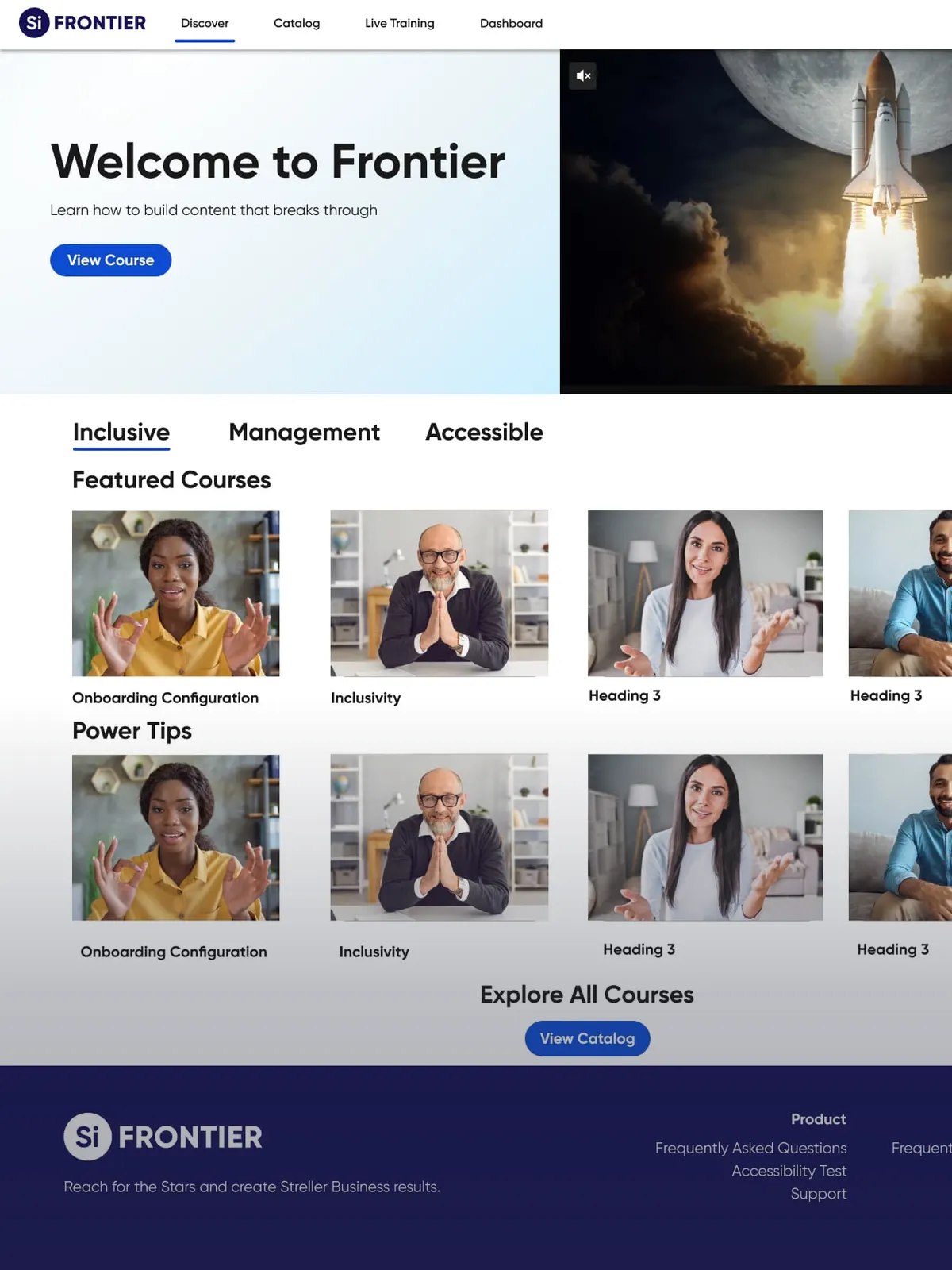
 Siteimprove — Frontier
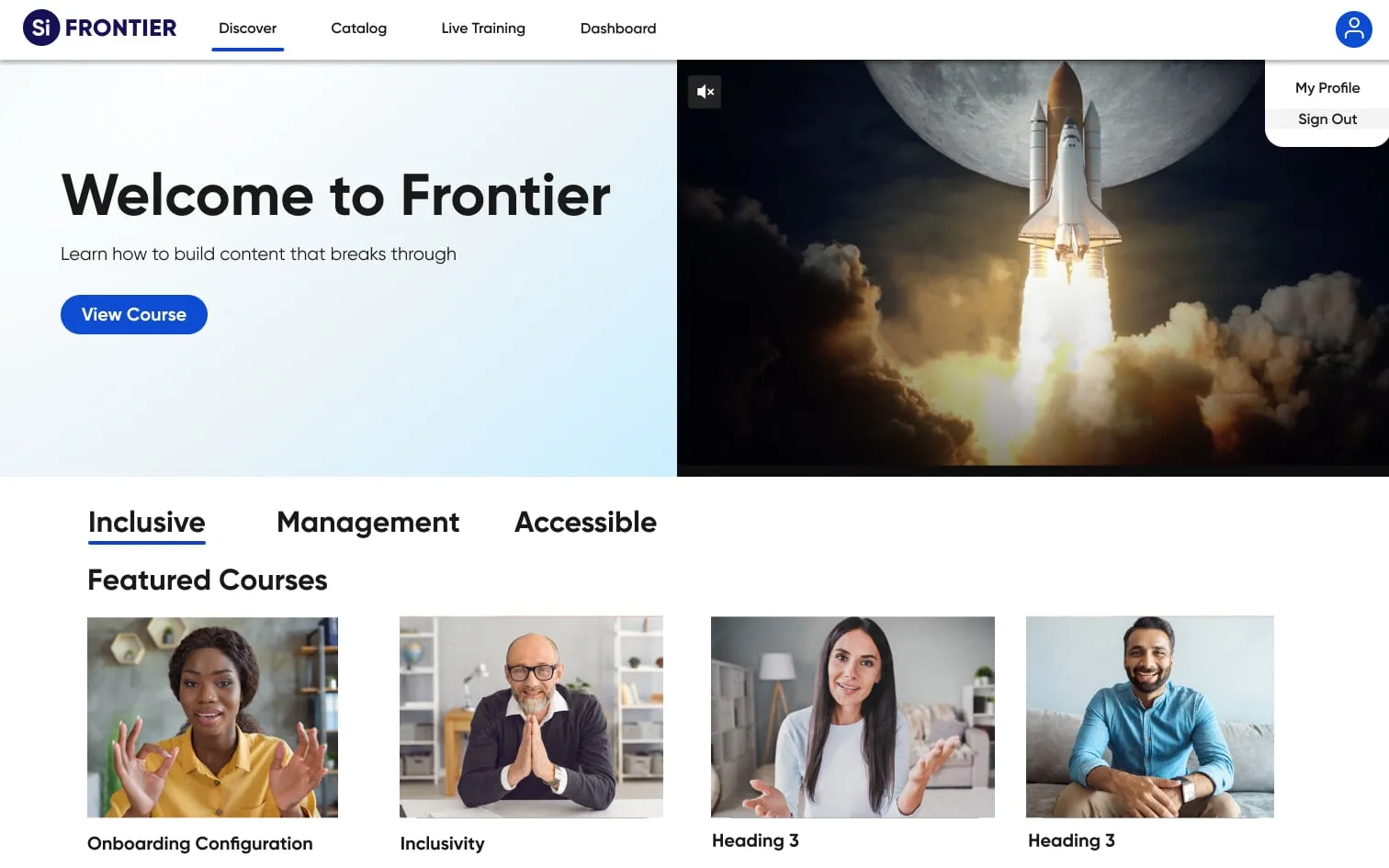
I rebuilt Siteimprove's learning platform — courses on accessibility, inclusivity, and customer service. Explore -
 Product Design
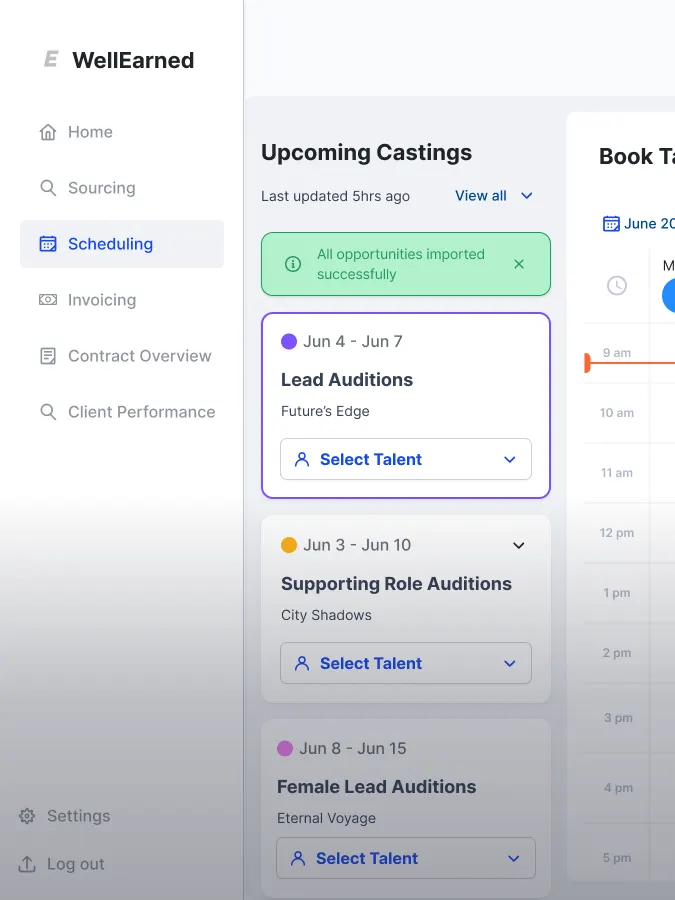
 WellEarned
I partnered with the startup WellEarned to design their management platform from the ground up. Explore -
 UI/UX Design
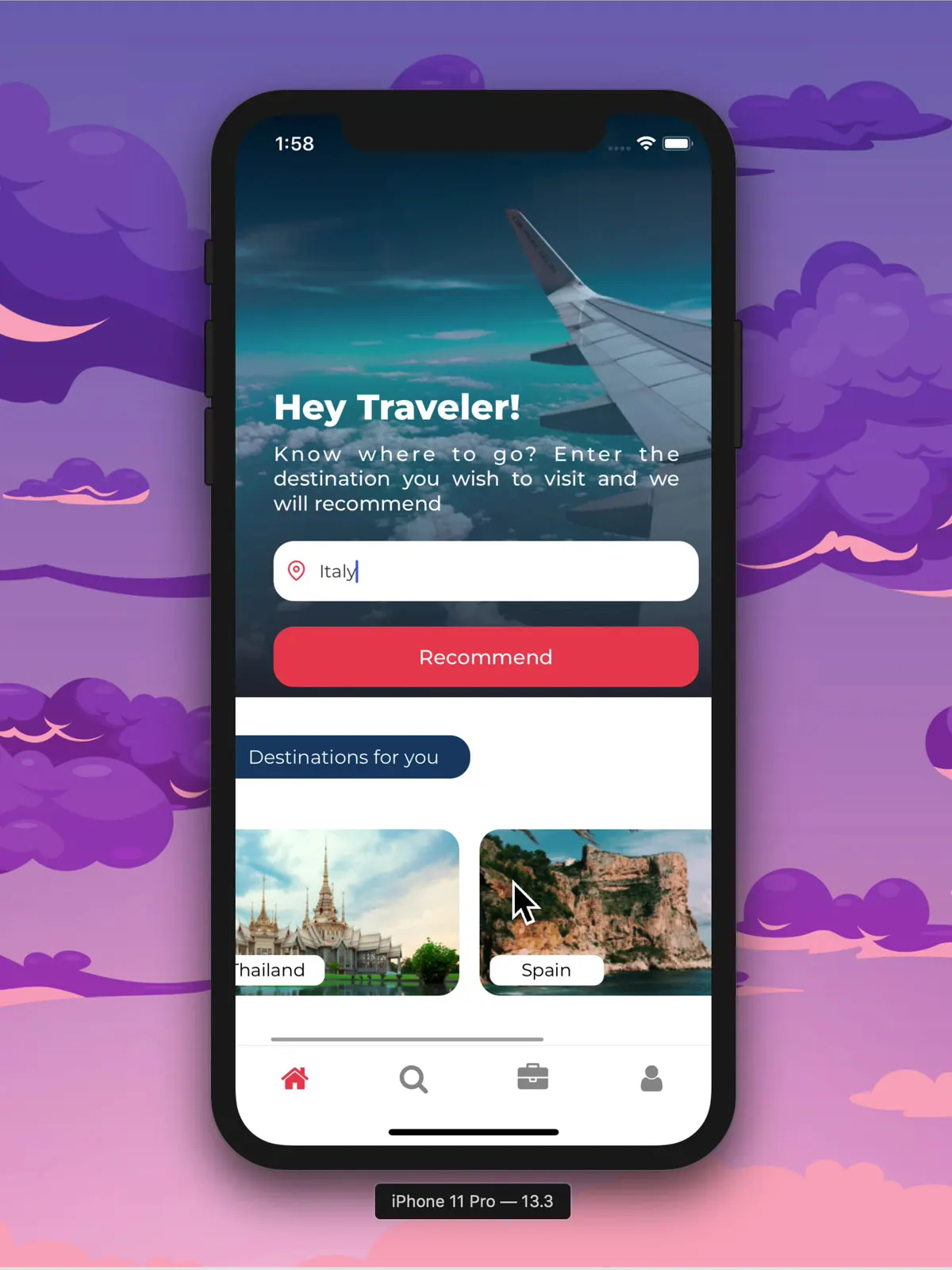
 Hodo — Travel App
I designed an AI travel companion that matches places to your travel personality. Explore -
 UI/UX Design
 Bean & Beyond
I designed a coffee-shop app for exploring the menu and customizing every order. Explore -
 UI/UX Design
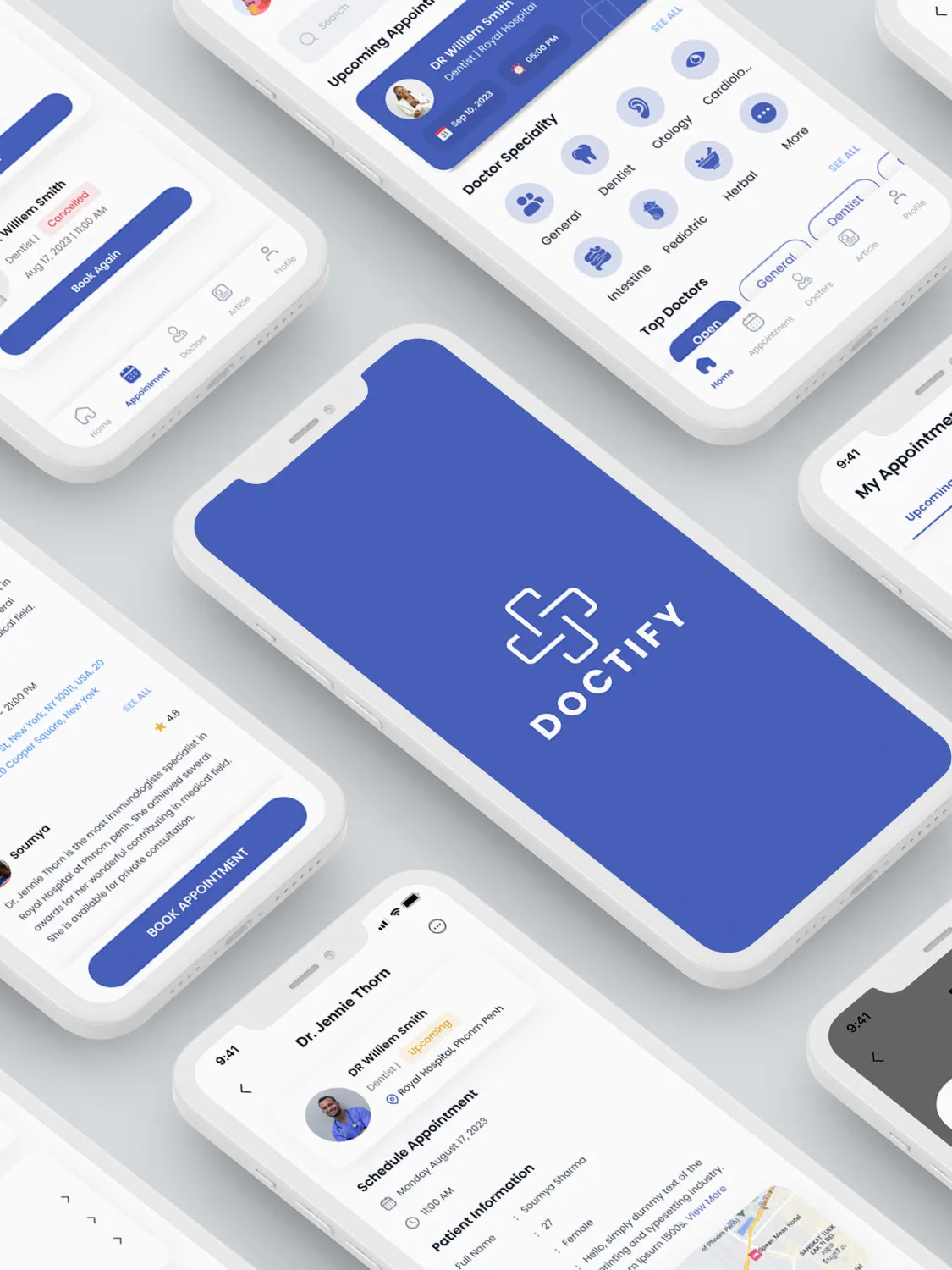
 Doctify
I designed doctor booking that makes healthcare feel close — search, clear profiles, reminders. Explore
The flagship
61 days from brief to production. 78 courses live.
I rebuilt Frontier, the learning platform a company that sells accessibility teaches on. Two domains, one design system, and a launch date that held.
- 61 days to production
- 78 courses published
- 3.68k course registrations
- 2 domains launched
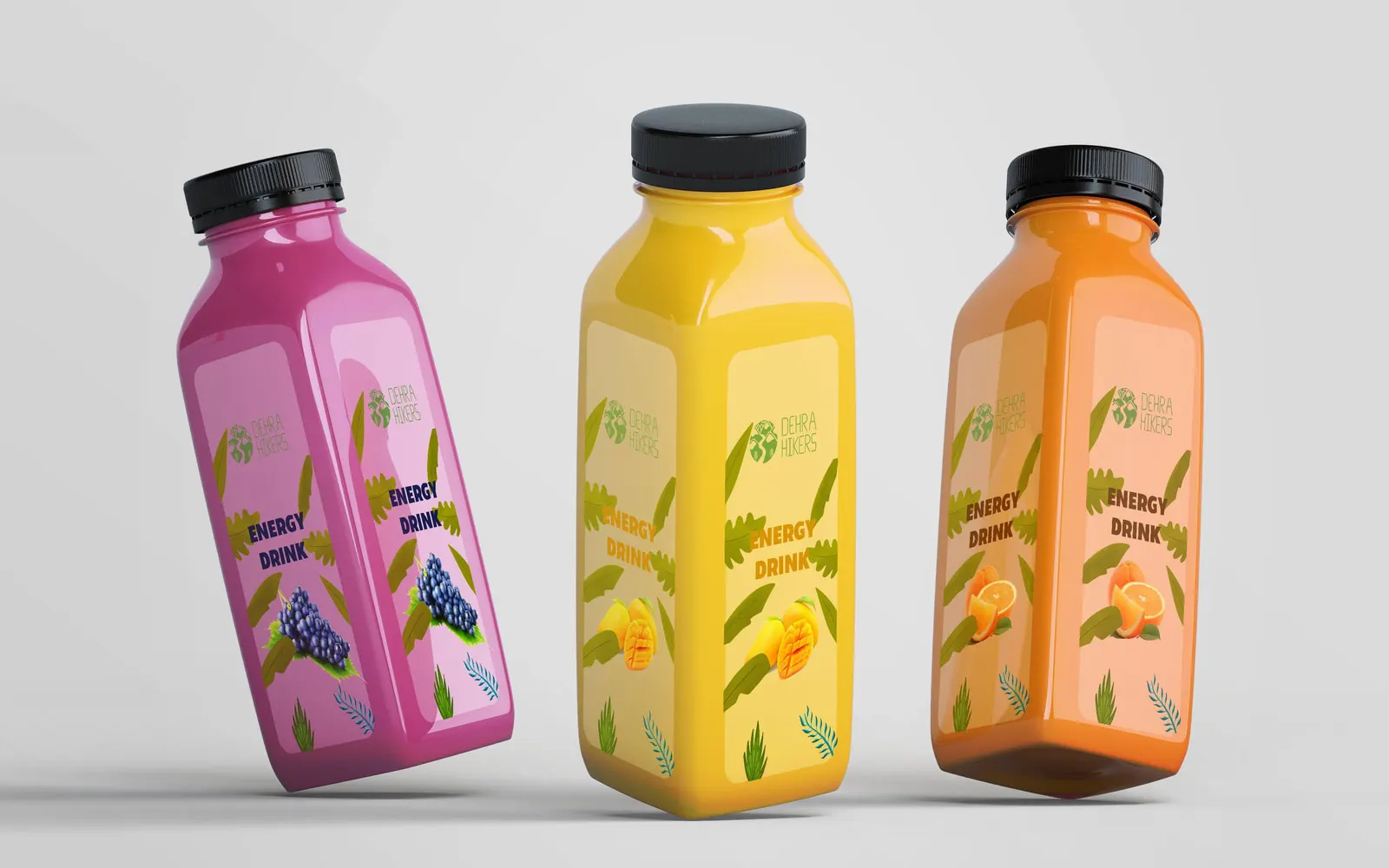
And when I step away from product screens, I still can’t stop designing.

AI × Design
“I didn’t use AI to build a design system. I built a design system that AI can use.”
Constraints get called a cage. Mine are taste, encoded — the part of my judgment that works while I sleep. Right now an AI generates whole interfaces inside rules I wrote: contrast floors, spacing rhythm, timing budgets. The system is the part I write myself, and it decides whether what comes back is shippable or merely plausible.
The system, in three layers
A generator can’t act on taste, but it can act on a value that knows its own job. So my tokens are written in three layers, and nothing is allowed to skip one. This page runs on the same architecture — the values below are its own.
-
Layer 1
Primitives
Raw values with no opinion about where they go. One source, no duplicates, no near-misses.
- indigo-600 #475DF0
- space-1 · rhythm 8px
- dur-content 360ms
-
Layer 2
Semantic intent
What a value is for. This is the layer a generator can reason about, because it names a job instead of a colour.
- action-primary indigo-600
- contrast-floor 4.5 : 1
- motion-content ≤ 400ms
-
Layer 3
Component tokens
Where intent binds to a part. Nothing in a component may reach past this layer for a value.
- button/primary/bg action-primary
- focus/ring 2px, offset 3px
- field/label never placeholder
The agent at work
Four times the generated interface was wrong in a way no review would have caught reliably. Each time the fix was the same shape: stop reviewing harder, write the rule down.
-
Colour
- Input
- I handed the generator an HSL-derived palette — eleven-step ramps, evenly spaced.
- Finding
- The screens looked plausible and the contrast drained exactly where UI shades live. HSL’s third axis measures arithmetic, not light: yellow at 50% reflects roughly 13× the light of blue at 50%.
- Outcome
- I moved the palette to OKLCH and made states arithmetic — hover L−0.06, pressed L−0.10, disabled C×0.3. The failures didn’t get caught faster; they stopped being generated.
-
Accessibility
- Input
- Components generated end to end, inside the system — every screen the machine proposes, unsupervised.
- Finding
- Every accessibility default died quietly: focus rings deleted, placeholders used as labels, everything animated. The models have read a decade of outline: none.
- Outcome
- Focus tokens, a 24px target floor rising to 44px on touch, motion budgets and contrast floors written into the generation rules. Regressions became impossible instead of caught.
-
Time
- Input
- The generated build awaited its round trip for every action, and refetched every list before repainting.
- Finding
- The machine has no pride — it will happily show a spinner for a 60ms write. The stopwatch measures when work completes; a person measures when something responds.
- Outcome
- Four rules it could follow: acknowledge in 100ms, hold state to 1,000ms, narrate beyond that, and be optimistic only where undo exists.
-
Optics
- Input
- Icons and labels placed by their bounding boxes, which is what every generator does by default.
- Finding
- It measured perfectly and read uniformly off — a room where every picture frame is level to the laser and wrong to the eye.
- Outcome
- Corrections stated as ratios, not pixels: the play triangle’s nudge is one-sixth of its width, so it survives every resize instead of dying at the next redesign.
My design system used to be documentation for people. It’s now also an instruction set for machines, and it pays both audiences the same dividend: fewer decisions made twice.
The case for me
Every claim, welded to proof.
I’d rather let the work testify than decorate it with statistics. Rest on any claim and follow the beam to what backs it.
I’ve mastered the craft.
Product, UI/UX, and interaction design, practised daily and shipped repeatedly, on every screen size that matters.
I move numbers.
My redesigns are built to lift engagement, and I stay around to measure whether they did.
I design for everyone.
I led Frontier’s accessibility work — WCAG 2.1, AA and AAA content standards, contrast and focus states tuned by hand.
Reviewing the basics and learning something new with Deque University.
I make teams faster.
Cross-functional by default: I write, prototype, and speak developer, so decisions don’t wait on translation.
I build systems that outlive me.
I develop and maintain design systems that keep whole products consistent. The latest one is built so an AI can operate it.
I take the problems without a template.
Detail-obsessed and calm under pressure, I keep working a problem until a solution holds.
Great start to a Sunday morning! The new interactive course from Siteimprove provides great levels of exposure and in-depth knowledge to all features of the tool.